LinkedIn outreach blueprints
Free guides on the parts of LinkedIn outreach people guess at most. The step-by-step guides are on the page, no email needed. Below them, short PDFs that say where their numbers come from: give us an email address and we send you the PDF.
Step-by-step guides
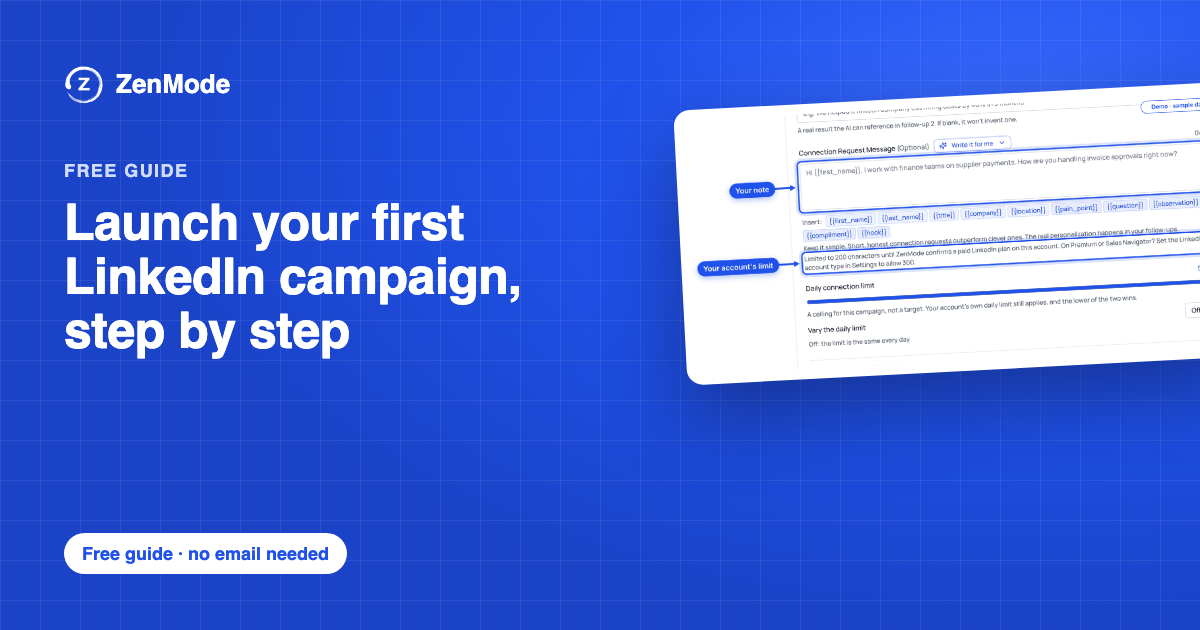 Launch your first LinkedIn campaign, step by stepFor founders who sell B2B and do their own outreach. Fill in seven short parts and you have a LinkedIn campaign ready to launch: the one-line problem you solve, a list you can finish, a note, three follow-ups that each give a new reason to answer, a schedule, your answers to the first replies, and a short Friday review.Guide, 7 steps, no email needed
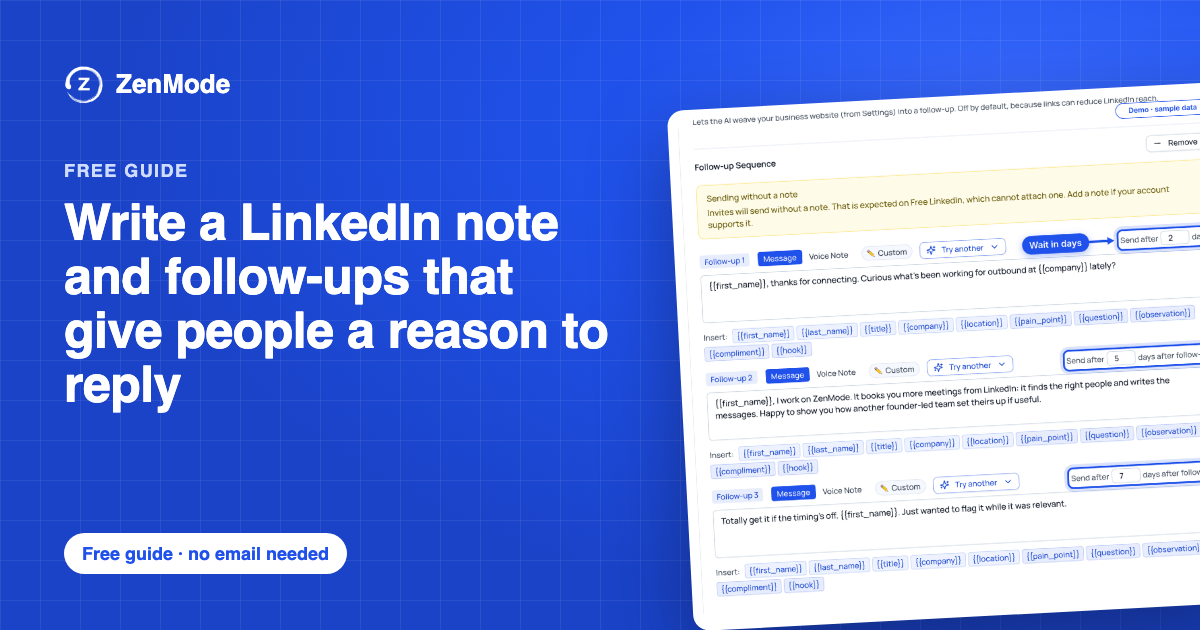 Write a LinkedIn note and follow-ups that give people a reason to replyA note and three follow-ups, written for five kinds of buyer, a bank of reasons to write again, the things to leave out, and a prompt for every message. Fill in the brackets, paste them into a campaign and check what goes out before it does.Guide, 6 steps, no email needed
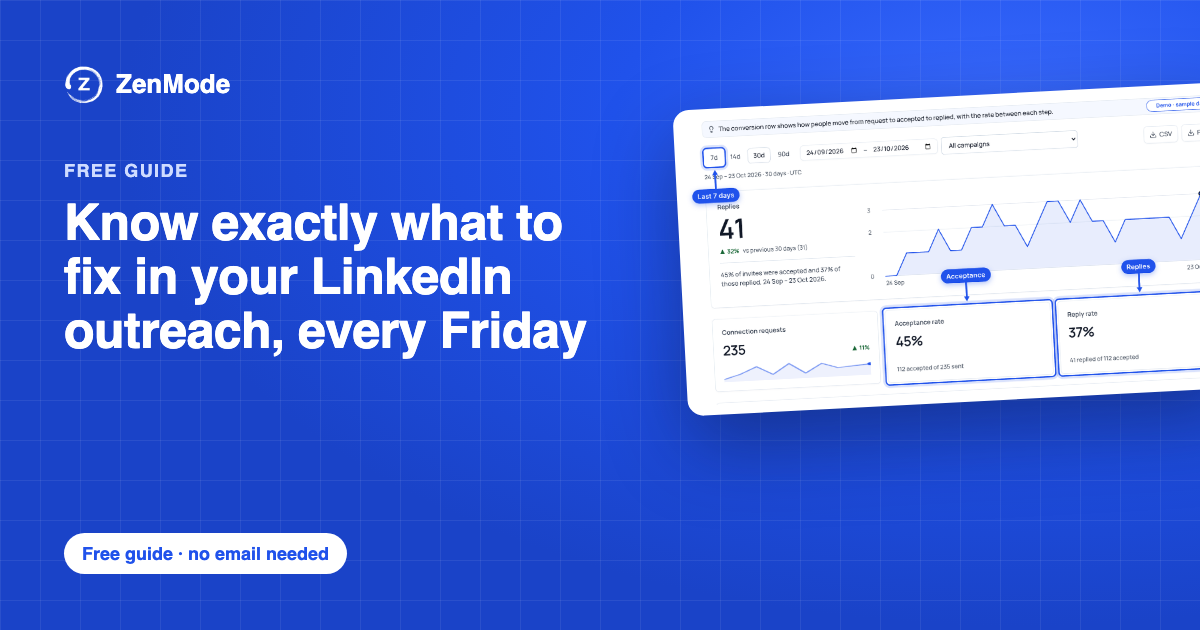 Know exactly what to fix in your LinkedIn outreach, every FridayA short weekly review for a campaign that is already running. Three numbers, the step where people drop off, what the replies say, and a table that tells you which one thing to change next week.Guide, 6 steps, no email needed
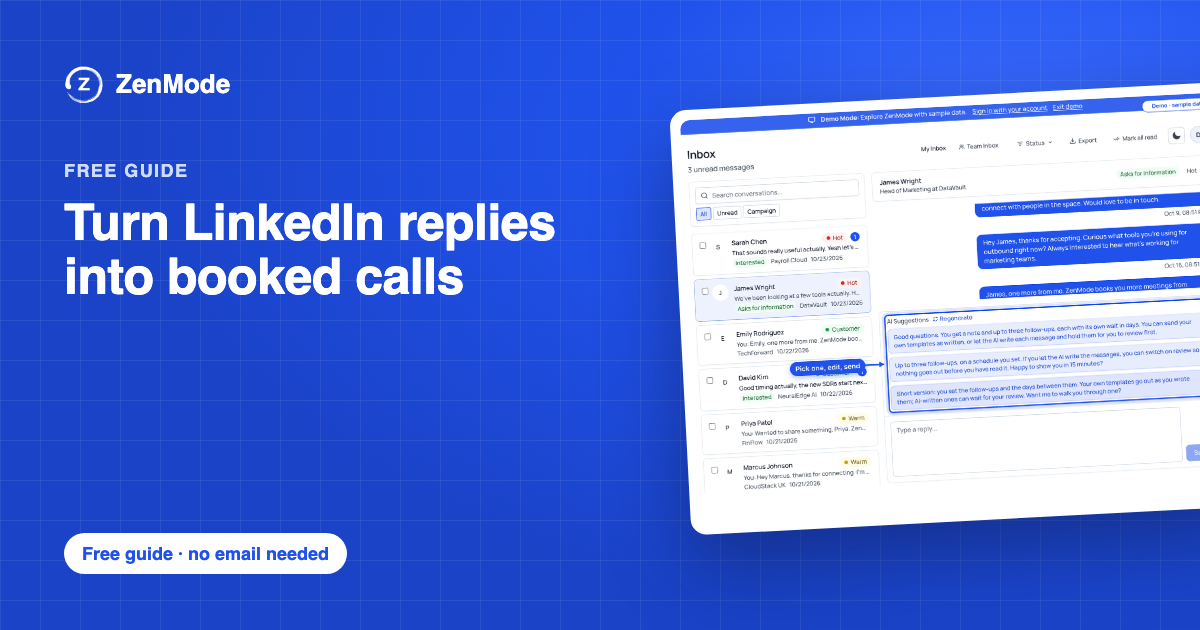 Turn LinkedIn replies into booked callsWhat to send back to the six kinds of reply a LinkedIn campaign gets: interested, asks for information, not now, wrong person, not interested and a request to stop. Each with a fictional answer you can rewrite, the next step to log, and a daily routine so no good reply waits.Guide, 6 steps, no email needed
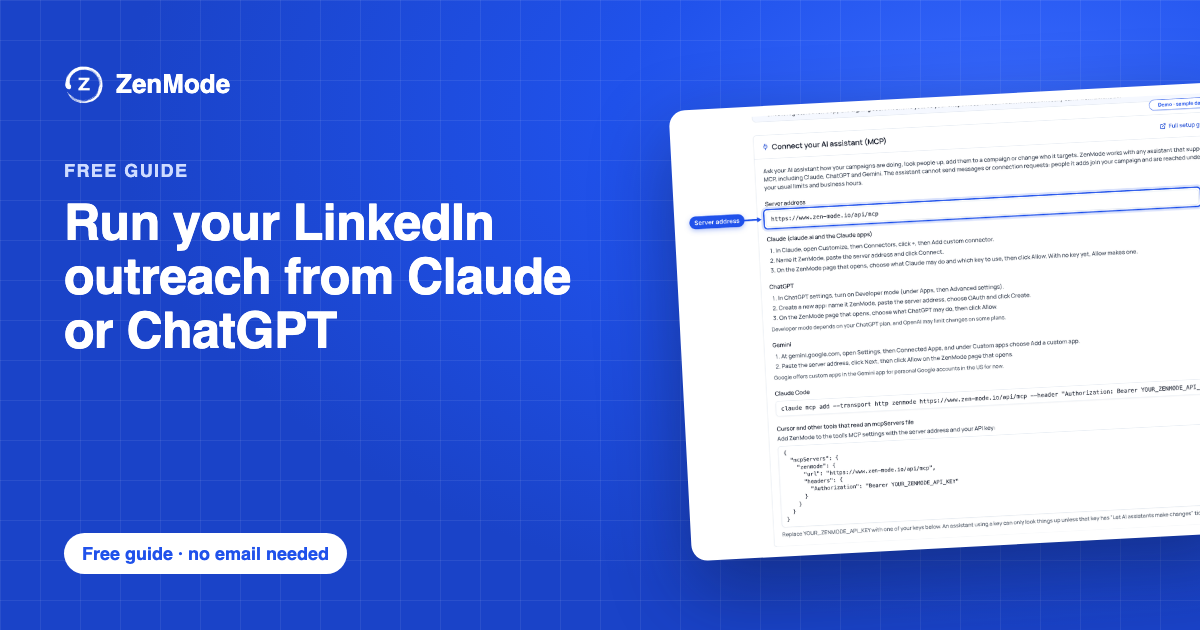 Run your LinkedIn outreach from Claude or ChatGPTConnect ZenMode to the AI assistant you already use, then build, check and start a LinkedIn campaign by asking for it. Six prompts to paste, in the order that keeps you in control: nothing starts until you have read a summary and said yes.Guide, 6 steps, no email needed
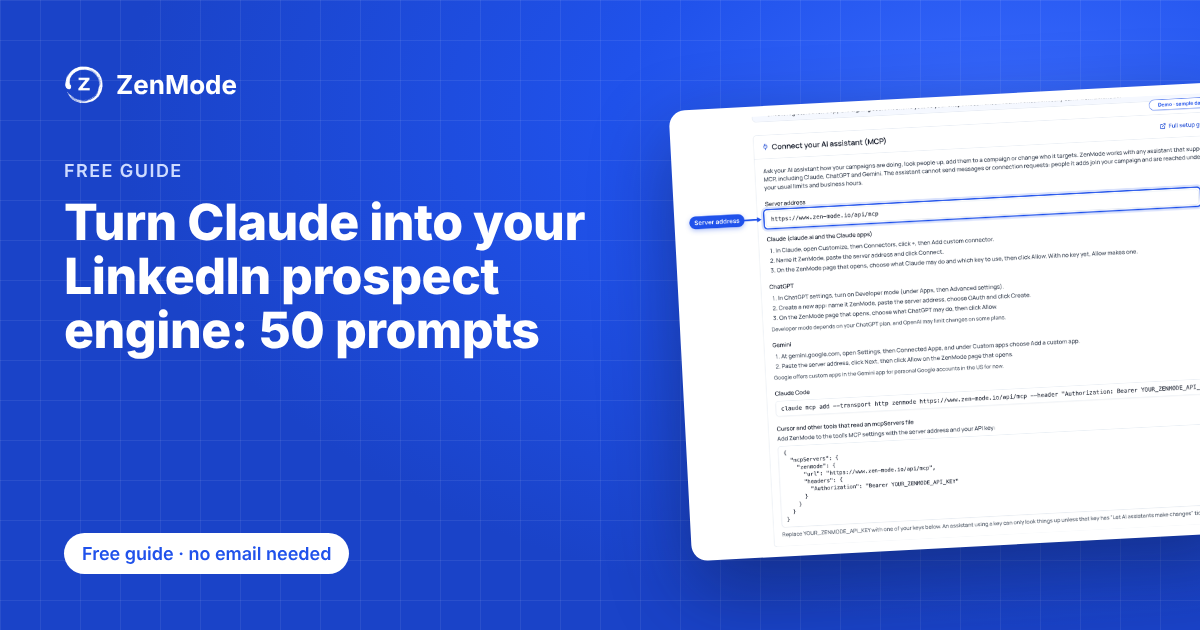 Turn Claude into your LinkedIn prospect engine: 50 prompts50 prompts to paste into Claude, in order: build the list, research each account, find who is showing buying intent right now, score everyone against your ideal customer, then write the messages and start the campaign in ZenMode on your yes.Guide, 6 steps, no email needed
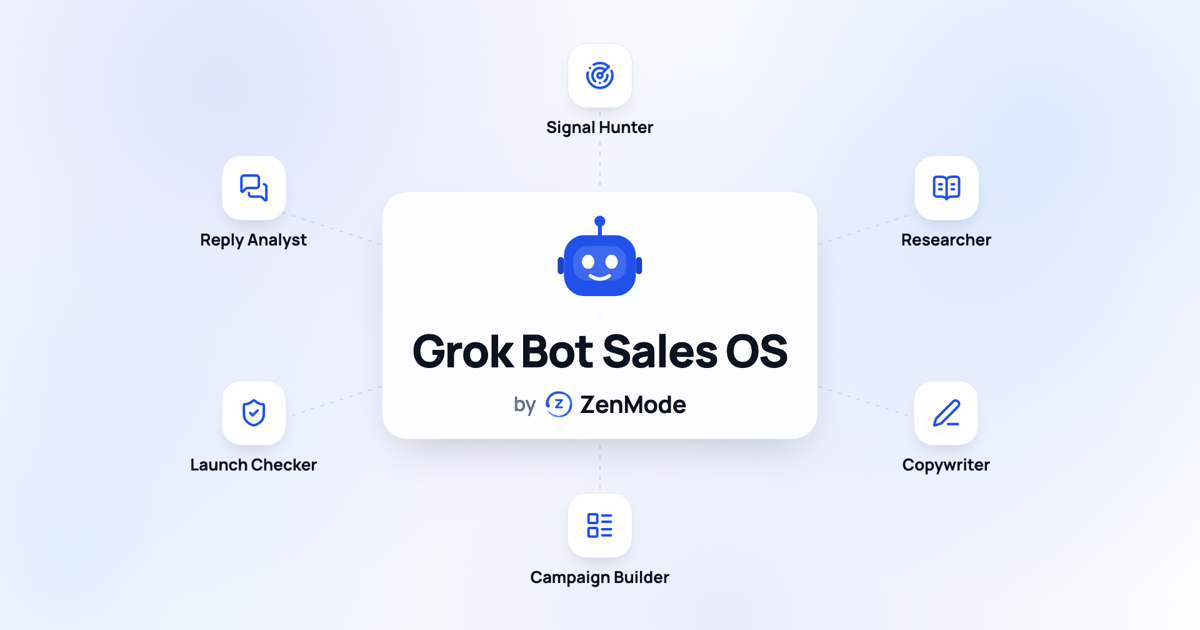 Run a LinkedIn sales team from Grok BotOne line to Grok Bot, six specialists behind it: a Signal Hunter, a Researcher, a Copywriter, a Campaign Builder, a Launch Checker and a Reply Analyst. Each one is a real ZenMode tool. Ready by morning, and nothing sends until you say so.Guide, 6 steps, no email needed
PDF blueprints
 The Founder Growth PlaybookBuild the engine once. Book calls every week. Twelve steps in three stages: Inbound, Outbound and Scale, each with what to do this week, the tools and a template to copy.PDF, 16 pages
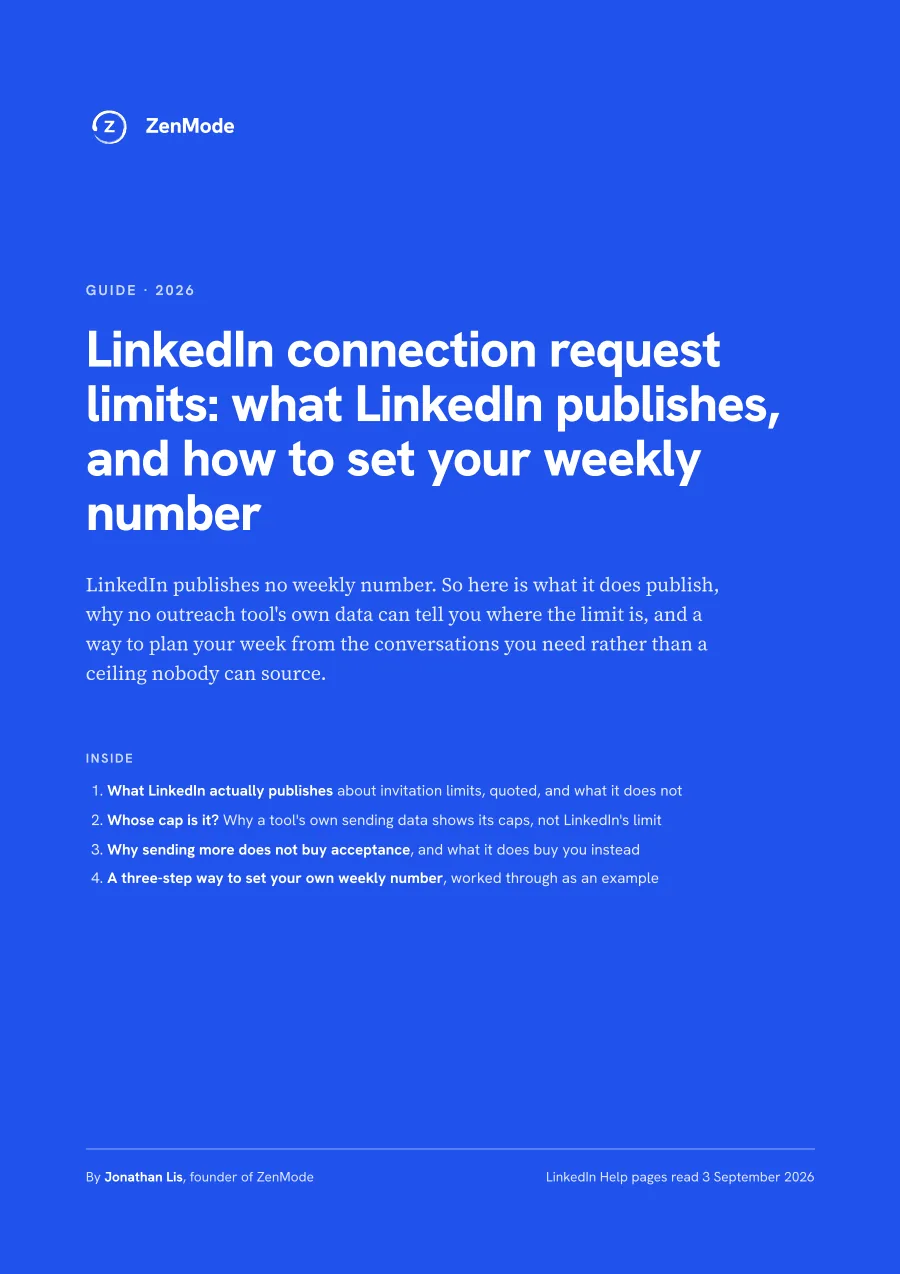 LinkedIn connection request limits: what LinkedIn publishes and how to set your weekly numberLinkedIn publishes no weekly invitation number for any account type. Here is what it does publish, why no outreach tool's own sending data can tell you where the limit is, and how to plan your week from the conversations you need rather than a ceiling nobody can source.PDF, 6 pages
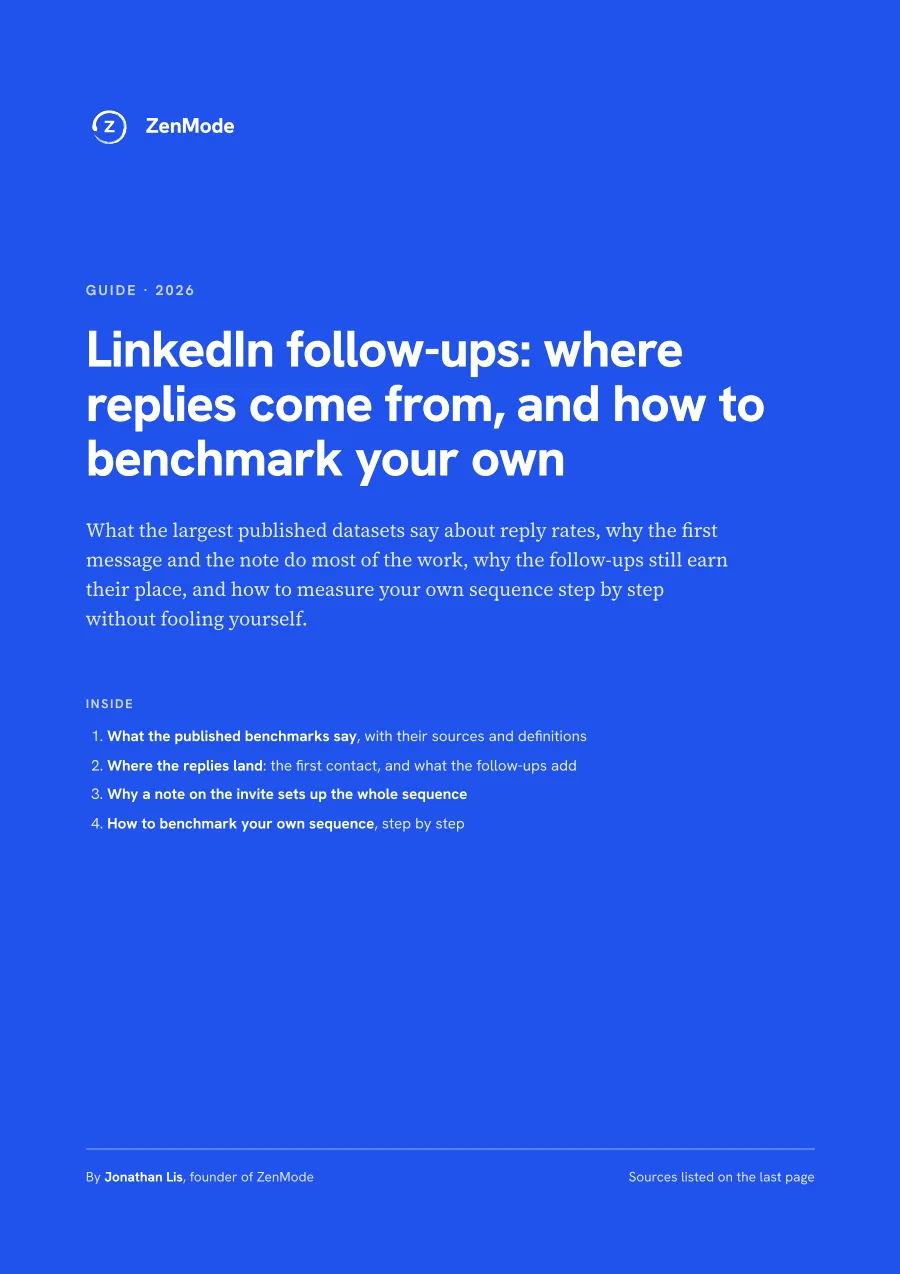 LinkedIn follow-ups: where replies come from, and how to benchmark your ownWhat the largest published datasets say about reply rates, why the first message and the note do most of the work, why the follow-ups still earn their place, and how to measure your own sequence step by step without fooling yourself.PDF, 6 pages
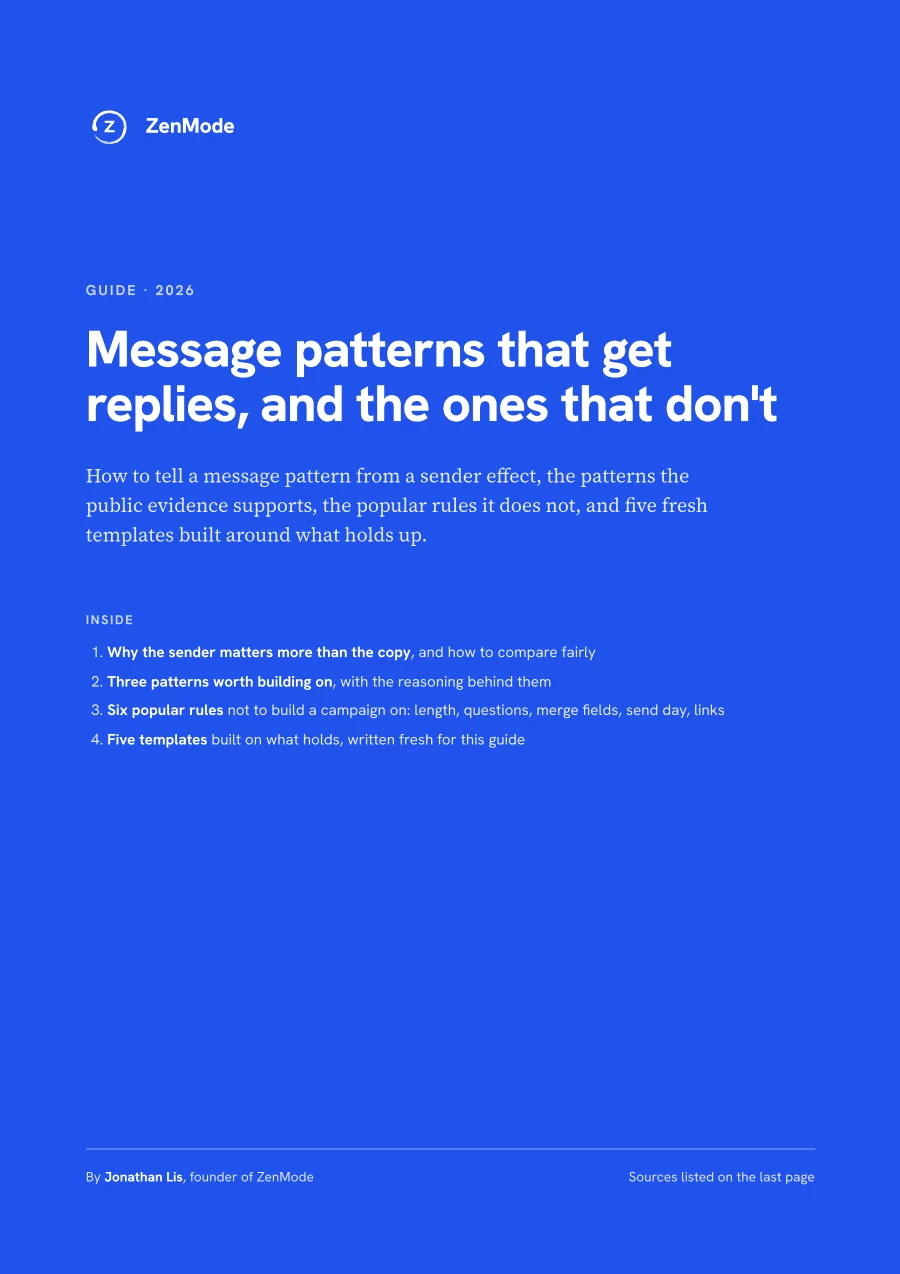 Message patterns that get replies, and the ones that don'tHow to tell a message pattern from a sender effect, the patterns the public evidence supports, the popular rules it does not, and five fresh templates built around what holds up.PDF, 7 pages
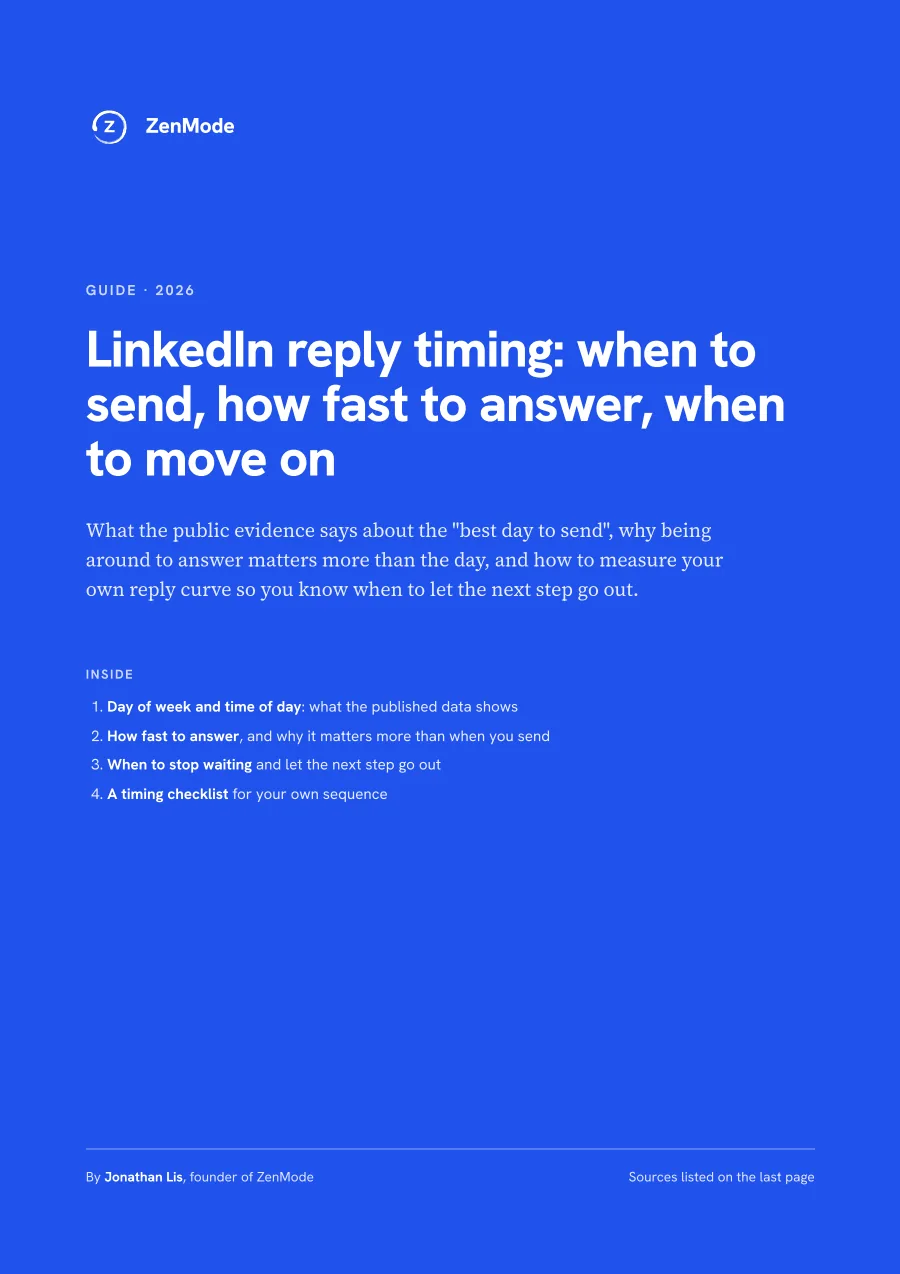 LinkedIn reply timing: when to send, how fast to answer, when to move onWhat the public evidence says about the best day to send, why being around to answer matters more than the day, and how to measure your own reply curve so you know when to let the next step go out.PDF, 4 pages
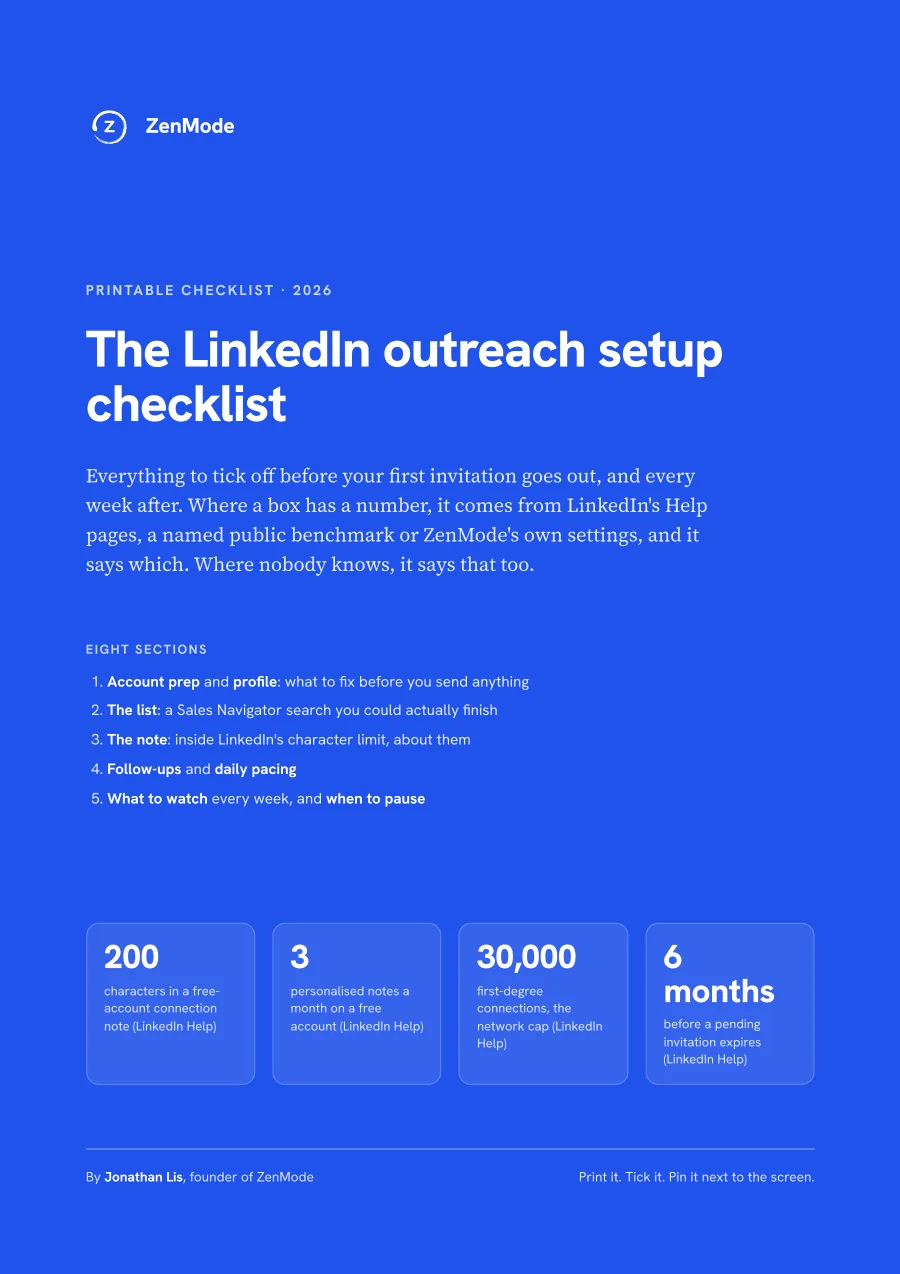 The LinkedIn outreach setup checklistEverything to tick off before your first invitation goes out, and every week after. Where a box has a number, it comes from LinkedIn's Help pages, a named public benchmark or ZenMode's own settings, and it says which.PDF, 6 pages
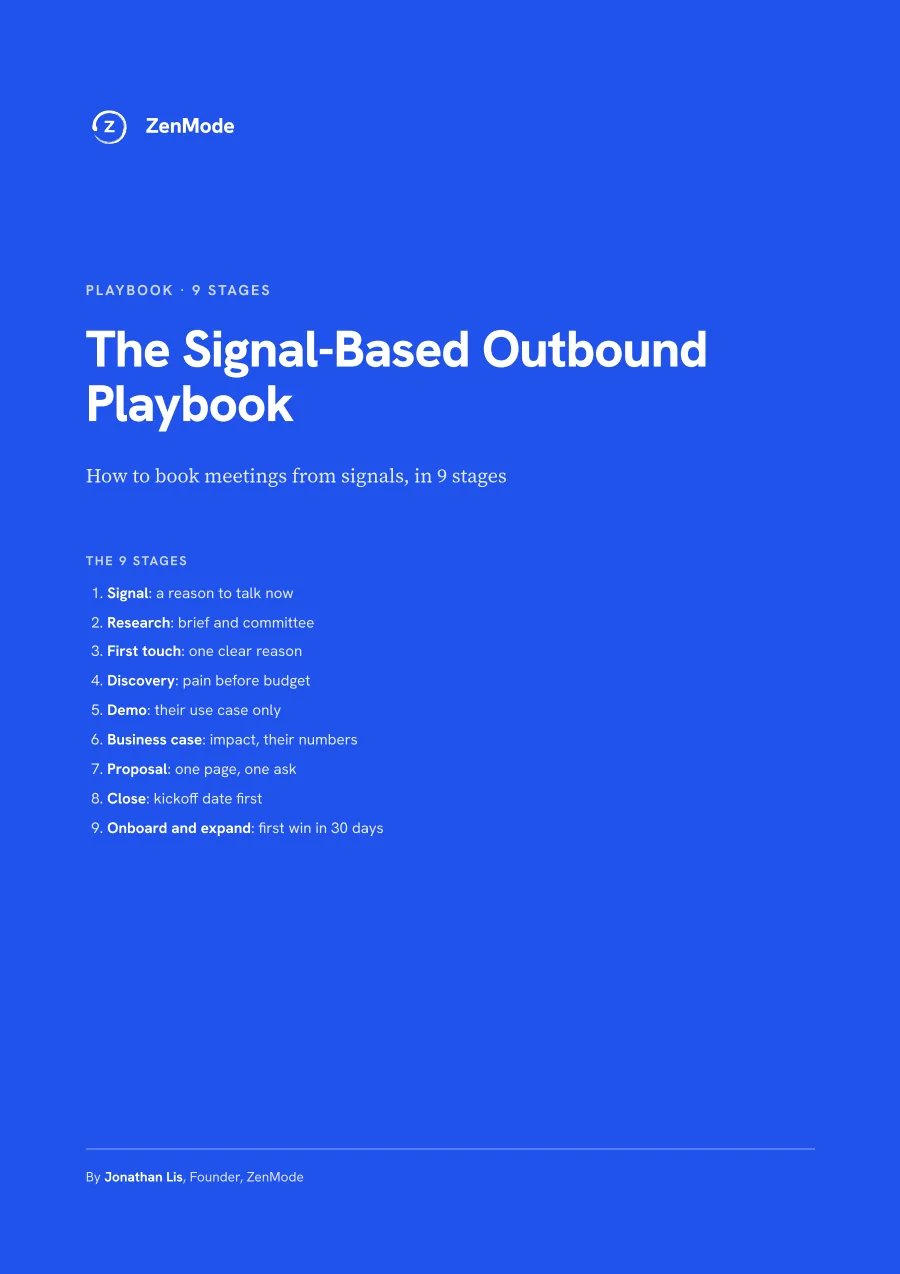 The Signal-Based Outbound PlaybookHow to book meetings from signals, in 9 stages. Each stage has a job, a template where one helps, an owner, and the mistake that usually breaks it.PDF, 12 pages