Free blueprint, PDF, 6 pages
LinkedIn connection request limits: what 51 real accounts actually sent
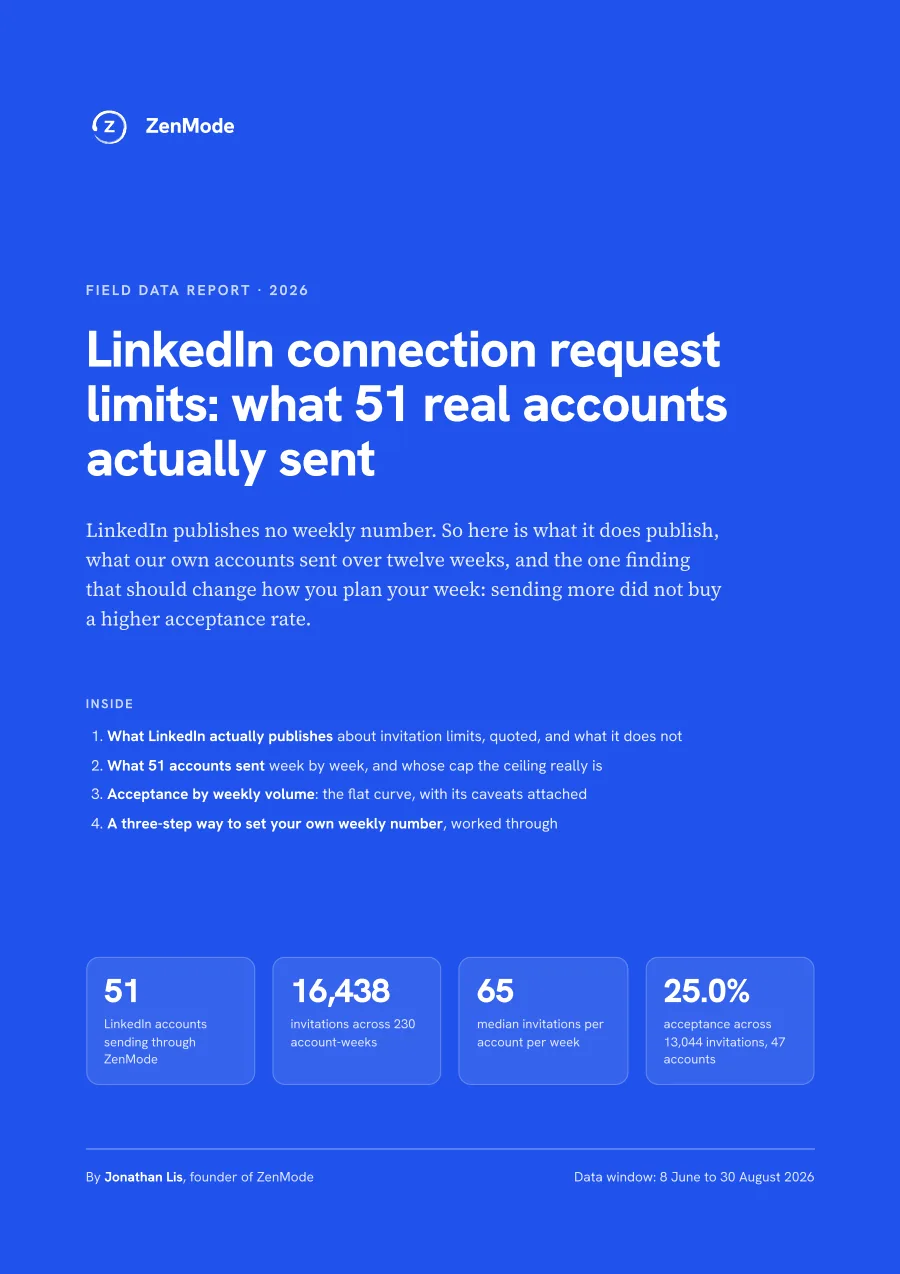
LinkedIn publishes no weekly invitation number for any account type, so we measured our own: 16,438 invitations from 51 accounts over 12 weeks. The finding that matters is that sending more did not buy a higher acceptance rate.
Free. We'll email you the PDF. Questions about the data: hello@zen-mode.io.
What's inside
- What LinkedIn's Help pages actually say about invitation limits, quoted and sourced, and the numbers they never give
- What 51 accounts sent week by week (median 65), and why the ceiling in the data is ZenMode's cap, not LinkedIn's
- Acceptance by weekly volume: 22.4% to 27.6% in every band, with the caveat that the top band is 6 accounts
- A three-step way to set your own weekly number from the conversations you need
How it was put together
51 ZenMode accounts, 230 account-weeks, 8 June to 30 August 2026 (16,438 invitations); acceptance on 13,044 invitations from 47 accounts, each with at least 18 days to accept. Aggregates only. Every account ran under ZenMode's own caps, so the data cannot locate LinkedIn's limit.
The longer write-up is on the blog: LinkedIn Connection Request Limits in 2026: What You Need to Know.
ZenMode runs your LinkedIn outreach from your own computer, on your own internet connection. Your computer has to be on while campaigns run. Start your 14-day free trial