Free blueprint, PDF, 6 pages
The LinkedIn outreach setup checklist
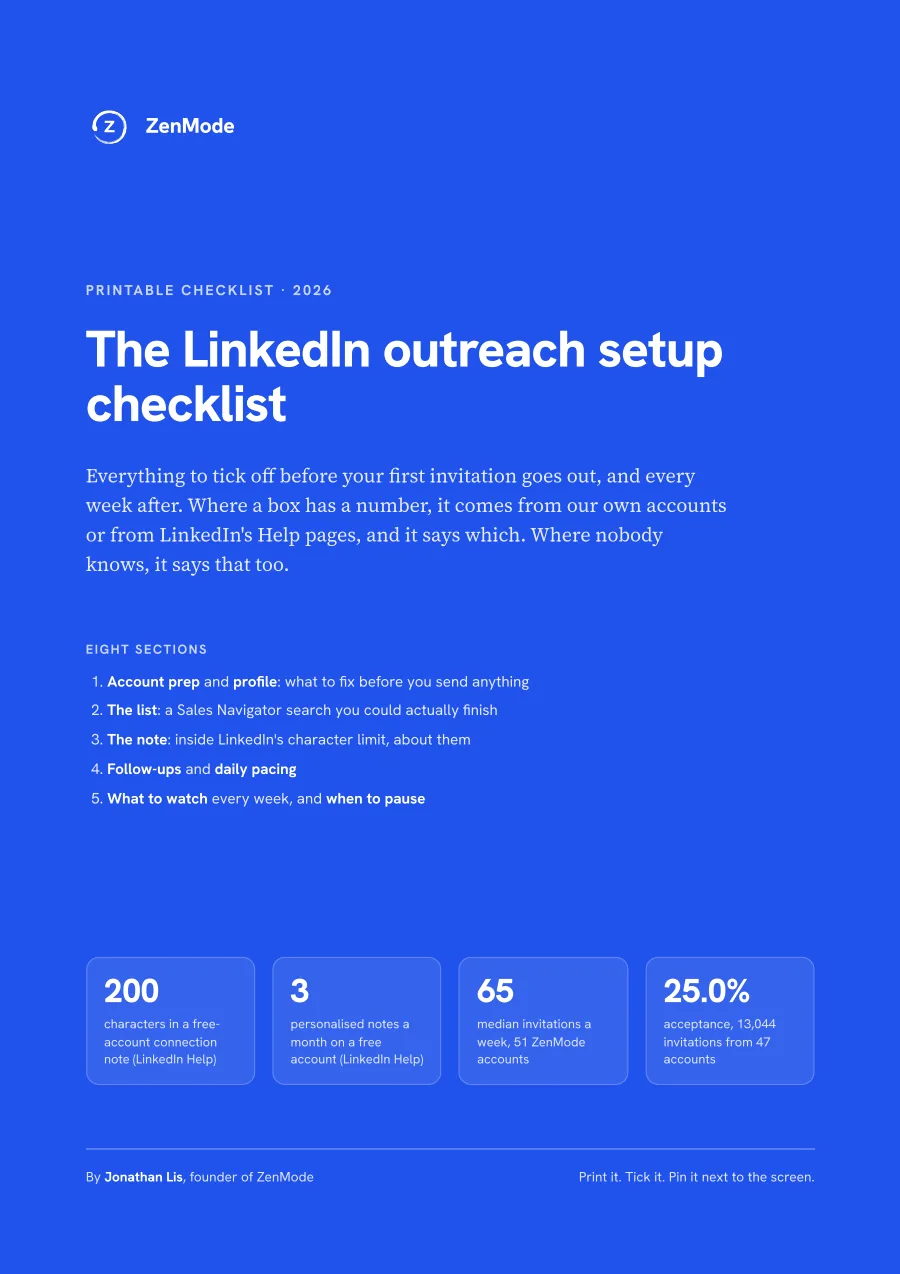
Everything to tick off before your first invitation goes out, and every week after. Each number is either quoted from LinkedIn's Help pages or measured on ZenMode accounts, and it says which.
Free. We'll email you the PDF. Questions about the data: hello@zen-mode.io.
What's inside
- Account prep and profile: what LinkedIn documents for free, Premium and Sales Navigator, and what it doesn't
- A Sales Navigator list you could actually finish, sized to a real weekly pace (median 65 invitations)
- The connection note: inside LinkedIn's 200-character limit, and about them
- Follow-ups and pacing: three follow-ups, about three days apart, with the data behind it
- Five numbers to check every Friday, and a table of when to pause
How it was put together
LinkedIn rules quoted from its Help pages. Our data: 51 accounts and 16,438 invitations (8 June to 30 August 2026), and 29,385 messages from 79 seats (8 April to 23 September 2026). Rules of thumb are labelled as ours.
The longer write-up is on the blog: LinkedIn Cold Outreach Best Practices That Actually Get Replies in 2026.
ZenMode runs your LinkedIn outreach from your own computer, on your own internet connection. Your computer has to be on while campaigns run. Start your 14-day free trial